VoIPC
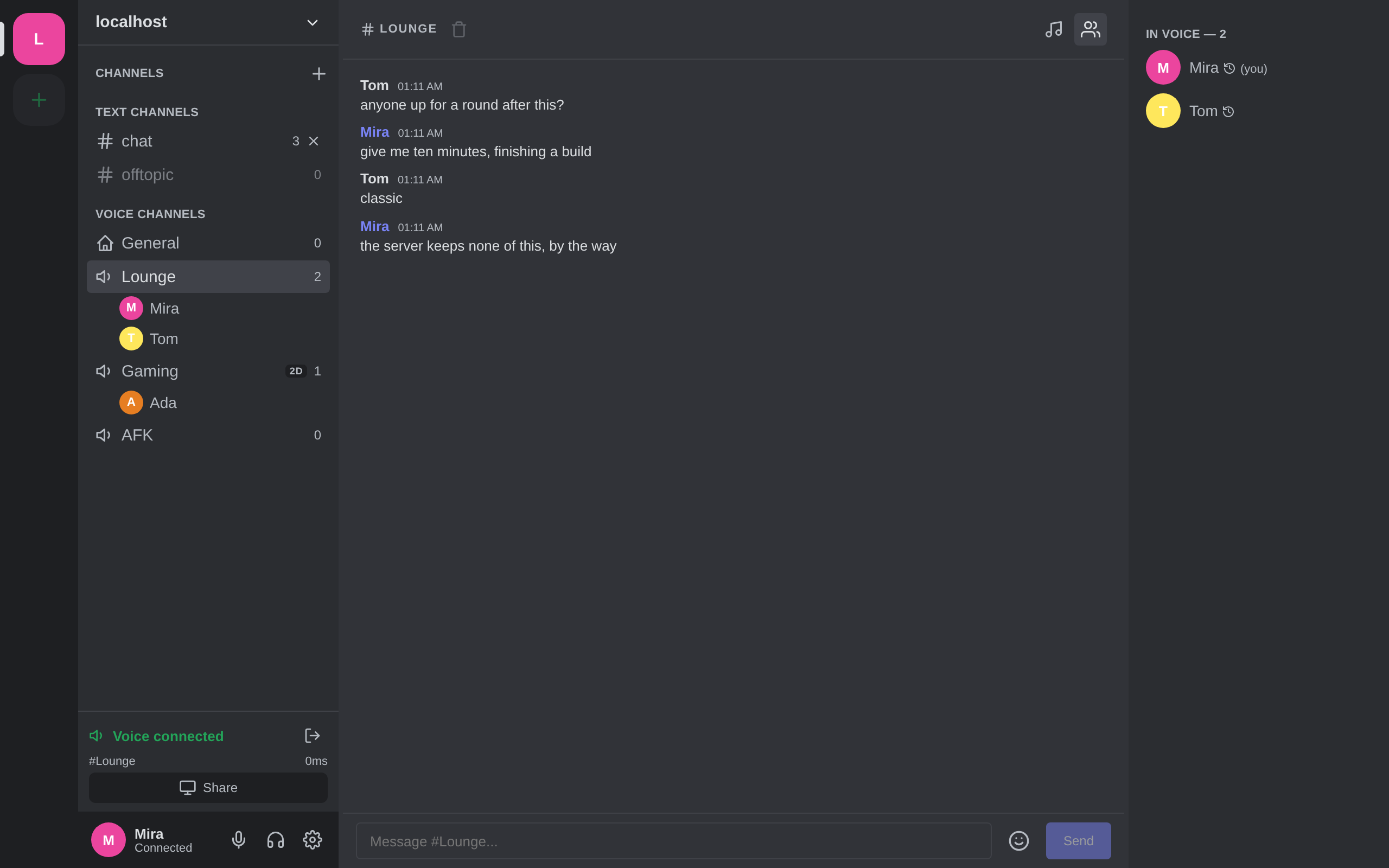
Voice, screen sharing and chat on a server you run. Text is end-to-end encrypted with the Signal Protocol, voice and screen audio with AES-256-GCM, and the relay in the middle never decodes any of it — or writes anything to disk. No accounts. Restart the server and its entire state is gone.
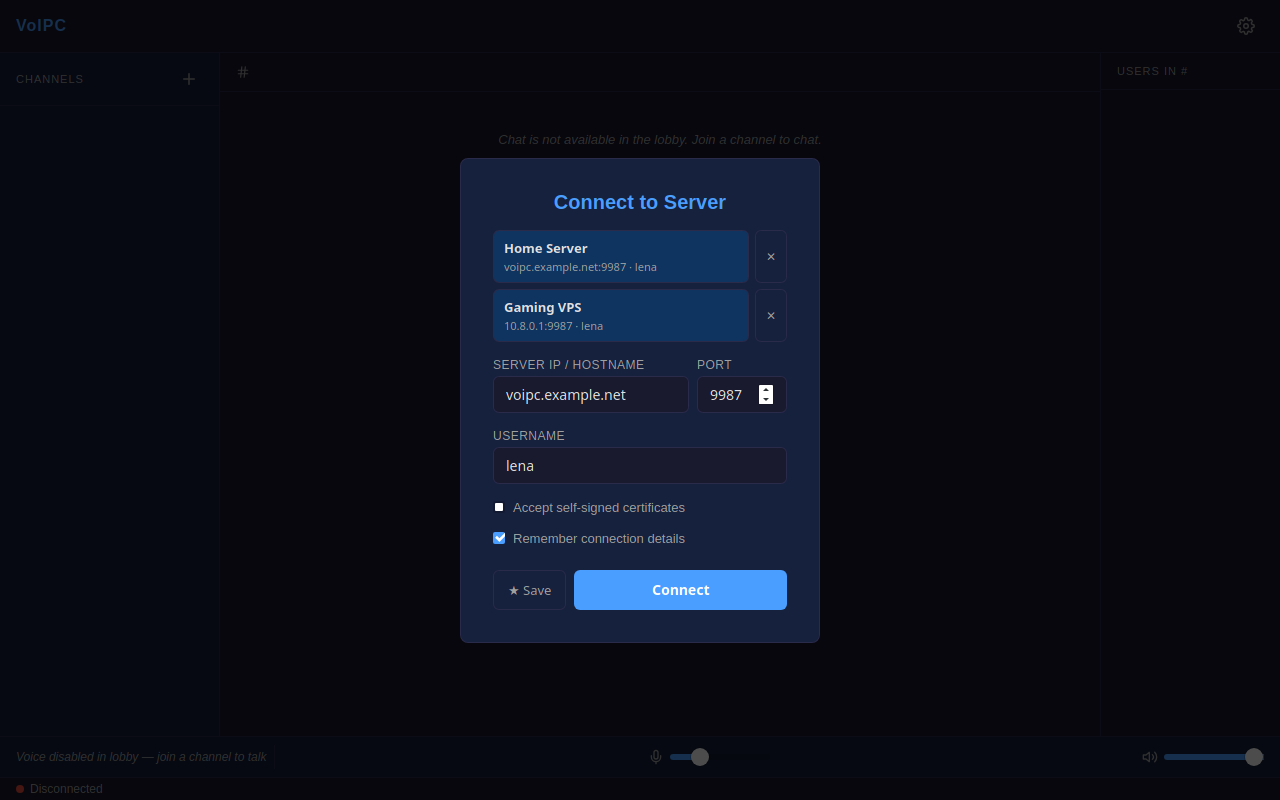
What it actually does
- Voice
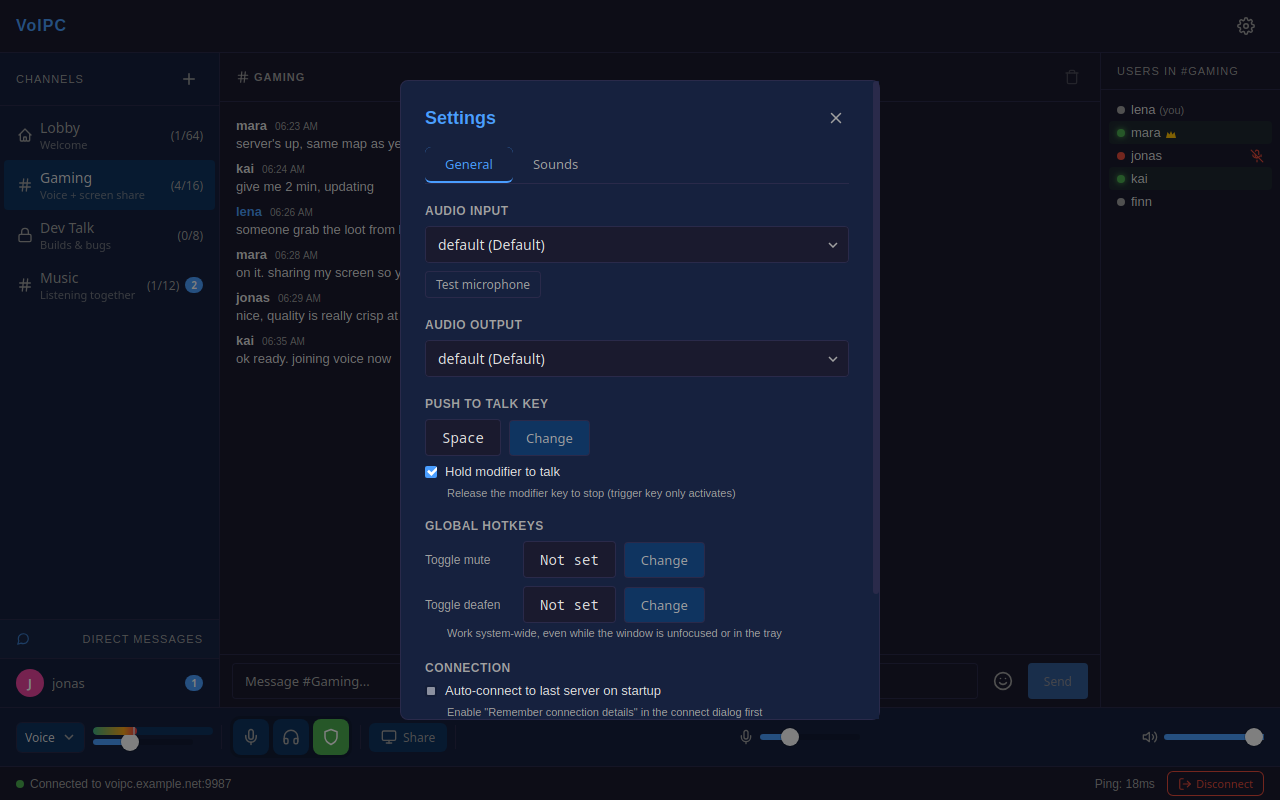
- Opus at 48 kHz with RNNoise suppression. Push-to-talk, voice activation or always-on, with global hotkeys that work while the window is in the background. Per-user volume, a mixing desk with faders, and 2D/3D proximity chat with distance falloff and stereo panning.
- Screen sharing
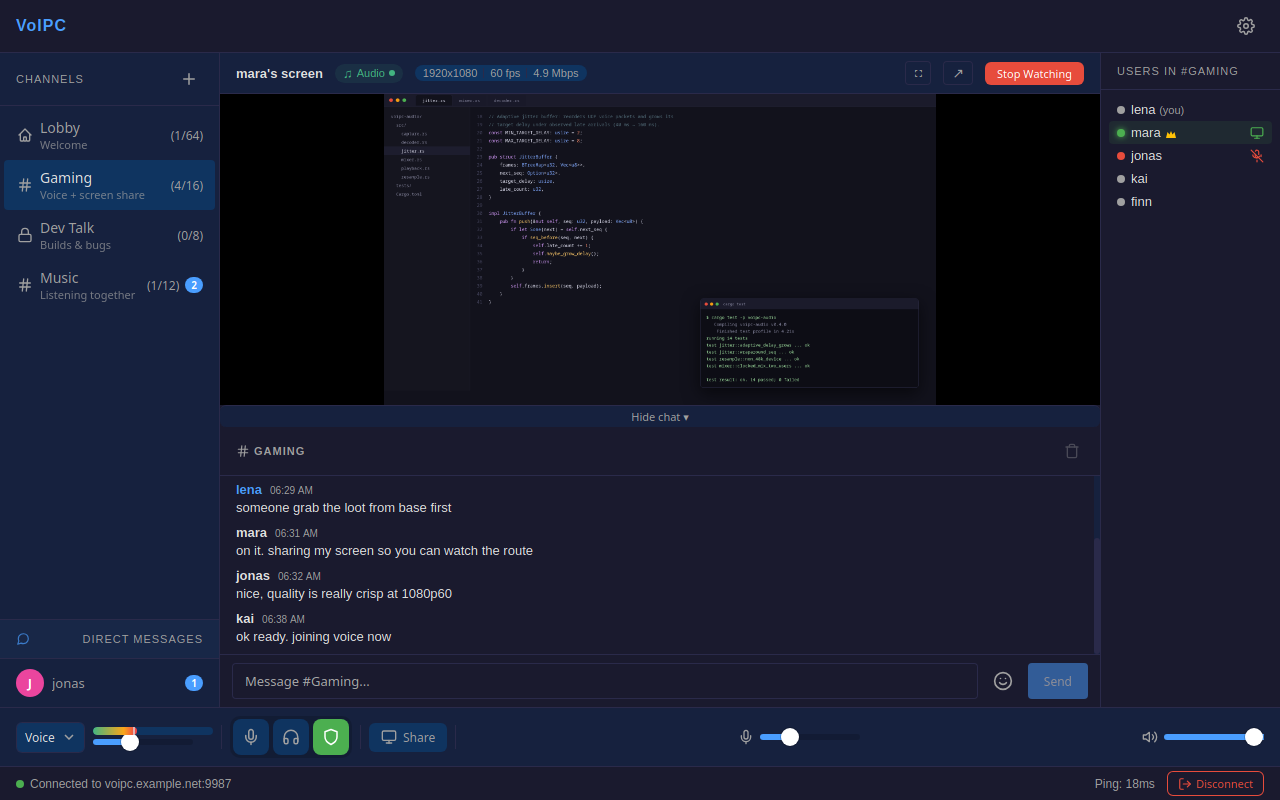
- H.264 by default, H.265 optional, encoded on NVENC, Quick Sync or AMF with a software fallback. PipeWire and the XDG portal on Linux, Windows.Graphics.Capture on Windows, getDisplayMedia in browsers.
- Chat
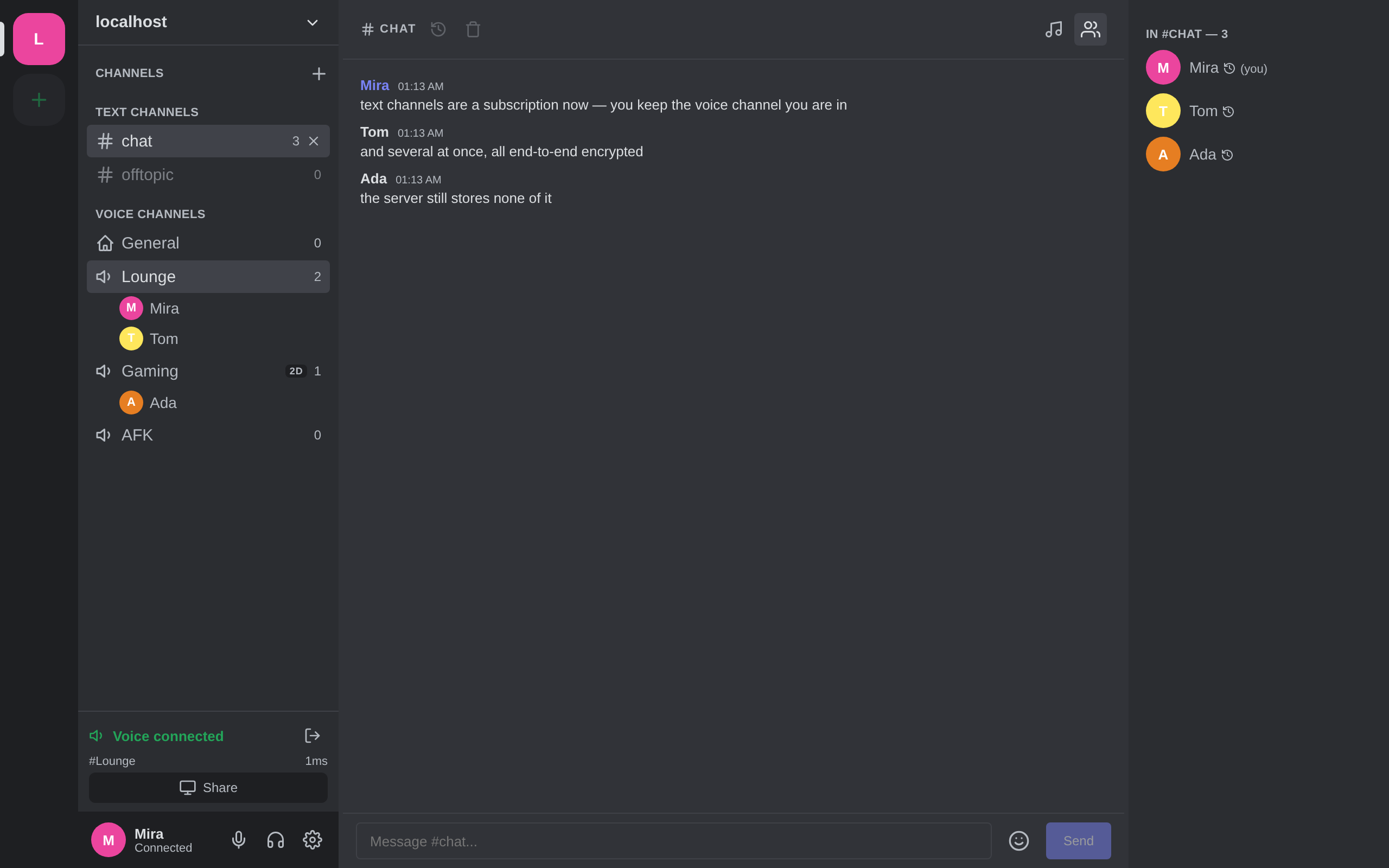
- X3DH to establish a session, then a Double Ratchet so every message gets a fresh key. History is stored on your device under AES-256-GCM behind a password, never on the relay. Optional destruction timers from five minutes to seven days.
- The relay
- An SFU: it forwards encrypted packets and never decodes them. Usernames, channel membership and media keys live in memory only. Restarting it is a clean slate — there is no database, and no server-side message log because there is nothing readable to log.
Run it in five minutes
One binary on the server. Nothing to install on the clients.
-
Build the server
git clone https://github.com/luki4fun/VoIPC
cd voipc
cargo build -p voipc-server --release
-
Give it a certificate
Self-signed is fine — desktop clients pin it on first use. Use a real one if you want browsers to connect without a warning.
mkdir -p certs
openssl req -x509 -newkey ec \
  -pkeyopt ec_paramgen_curve:prime256v1 \
  -keyout certs/server.key -out certs/server.crt \
  -days 365 -nodes -subj "/CN=voipc" \
  -addext "subjectAltName=DNS:your-server.example,IP:203.0.113.5"
-
Start it
./target/release/voipc-server
That is the whole server. There is no client to install — the same binary serves a browser client on the same port, so anyone you send the address to just opens it. The desktop app exists if you want the mixer, global hotkeys and hardware encoding.
Open UDP 9987, not just TCP
QUIC is the entire transport. With only TCP open the page loads perfectly and nothing ever connects, which looks like a broken client rather than a firewall.
ufw allow 9987/tcp && ufw allow 9987/udp
Leave host = "::" alone too. Pin an IPv4 address while the hostname
has an AAAA record and browsers fail with ERR_QUIC_PROTOCOL_ERROR
while every other check looks healthy.
Configuration
Three files, all optional except the first.
server.toml
host = "::"               # :: listens on IPv6 and IPv4; 0.0.0.0 is IPv4 only
tcp_port = 9987           # HTTPS page for the browser client
udp_port = 9987           # QUIC endpoint - keep it equal to tcp_port
max_users = 64
max_connections_per_ip = 32
cert_path = "certs/server.crt"
key_path  = "certs/server.key"
admin_token = "change-me" # optional; random if you leave it out
server_settings.json
{
  "empty_channel_timeout_secs": 300,
  "max_channels": 50,
  "max_channel_name_len": 32,
  "proximity_enabled": true,
  "game_token": null
}
channels.json — rooms that survive restarts
Everything else is created on the fly and cleaned up when empty. Plaintext passwords here are hashed to SHA-256 on first load and the file is rewritten in place.
| Option | Default | What it does |
|---|---|---|
| proximity | "off" | "2d" or "3d" turns the channel into a positional space |
| hidden | false | Not listed in the sidebar unless you are an admin |
| anonymous | false | Everyone shows up as Guest-#### |
| screen_share | true | Allow sharing a screen in this channel |
| hide_members | false | Non-admins see no member list at all |
| routed | false | Server narrows routing for game integration |
| text | false | Text-only channel, joined by subscription |
| message_ttl_secs | 0 | Auto-delete messages after this long, up to 30 days |
| auto_join | false | Join on connect. Text channels only |
Browser support
The web client needs WebTransport and WebCodecs, which is a recent bar.
- Chrome 97+
- Full support, H.264 screen share
- Edge 98+
- Full support
- Firefox 130+
- Works; screen share encodes VP9
- Safari 26.4+
- Anything older cannot connect at all
- Desktop
- Linux and Windows clients, plus Android. macOS builds are untested.